FastTrack Training
course
bool(true)
NULL
Start Learning Path
You are currently viewing a preview of this learning path. Start this Learning Path to access resources and track your progress!
Learning Path Preview
Getting Started

Download the FastTrack Training OSC Images
Published 10/07/2025 This first section shows how to download and unpack the data files as part of PixInsight FastTrack for beginners.
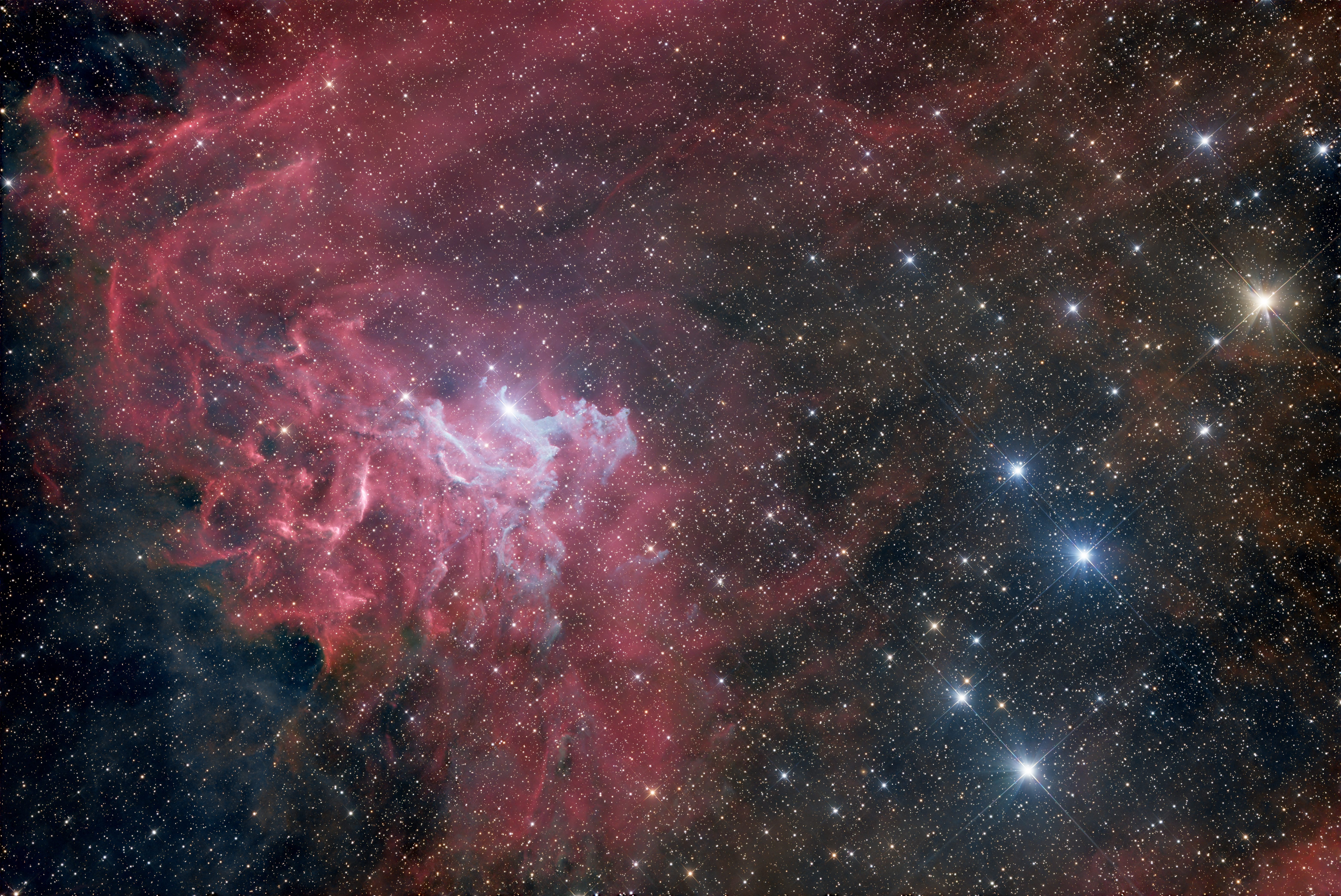
The DATA (The Flaming Star Nebula)... Courtesy of Anthony Quintile
Click the links below to download the FastTrack Training data (courtesy of Anthony Quintile). If you should share your results on social media- please give…
Download GAIA and GAIA/SP
Published 11/25/2022 It is now a requirement to download the GAIA star catalogs in order to use PixInisght in its fullest form. This video shows…
Open ONE Image in PixInsight
Published 11/25/2022 The second section of PixInsight Fasttrack for beginners opens a single image and starts to work within the PixInsight interface. The subsequent training…
Discussion: Examine the Images, see the Interface
Published 11/25/2022 In this discussion section of “Open ONE Image” values of each image type are examined to establish familiarity with the data.
Examine MANY Images
Published 11/25/2022 The Blink Process is introduced and many images are examined. Intimate knowledge of the data saves time and frustration.
Did you see what I see?
Published 11/25/2022 The discussion section of “Open MANY Images” uses the Blink process to further examine the data. The viewer can compare how many notable…
Debayer, Discover the Pattern
Published 11/25/2022 This Fasttrack lesson introduces the viewer to a bayer matrix asks what is the correct pattern for this data.
Color me Correctly
Published 11/25/2022 This Fasttrack training episode is a discussion of the debayering results. The STF information I mention is now included in FastTrack Training as…
STF Utilization
Published 03/13/2023 This video shows you how to use the STF tool in a definitive way. I refer to more STF videos in this lesson.…
WBPP and the Calibrate Only Method
Use Regular CC for This Data
Published 2025-03-05 Although I demonstrate using the WBPP Auto CC (the method)- it turns out it does not play well with this data. Please…
WBPP: Calibrate Only
Published 2025-02-25 UPDATE 2025: See this video for more on the new CosmeticCorrection 2024. WBPP is loaded with the proper settings and executed to…
What are my files? Where are my files?
Published 02/26/2025 The discussion about the results of WBPP highlight an understanding of the intermediate files and folder structure. This can prove very useful and…
Align the Images
Published 2025-02-27 Star Alignment is the key to avoid being a star-crossed image processor. Learn how to use this tool for image registration. Please…
Are your stars aligned?
Published 11/27/2022 It is very important to check the results of Star Alignment by blinking the data.
Local Normalization
Published 2025-02-28 The normalization of images is a necessary step to prepare the images to be stacked. It is a way to match images…
CFA Drizzle Integration
Published 2025-02-28 This video shows how to do the final stacking of OSC images using Drizzle Integration. This is an important step to maintain optimum…
Do the Astrometry
Published 2025-03-03 In this section we learn how to use ImageSolver to calculate an astrometric solution. This is a necessary step for upcoming processing…
Does it measure up?
Published 2025-03-02 This is the discussion section for Astrometric Solutions and Image Solver. 99% of the problems with ImageSolver deal with one of three…
Standard Post Processing
Gradient Correction Methods
Published 2025-03-04 This video introduces the three main methods of gradient correction in PixInsight.
MultiScale Gradient Correction
Published 2025-03-04 Multiscale Gradient Correction is destined to be the standard method of gradient removal in PixInsight. Learn its basic usage in this video and…
DBE Gradient Removal
Published 2025-03-04 During this video lesson DBE is briefly explained and demonstrated on our current image. This is the method everyone should know how to…
SPCC Color Calibration
Published 2025-03-05 This video demonstrates how to use SPCC- high-precision color calibration process found only in PixInsight. Please also watch the videos below for more…
BlurXTerminator
Published 2025-02-28 This video shows how to incorporate BlurXTerminator into the OSC workflow.
StarXTerminator and NoiseXTerminator
Published 2025-02-28 During this video the normal method of star removal with StarXTerminator is demonstrated in preparation for further processing.
Final Wrap Up
Published 2025-03-06 This video demonstrates some final (typical) adjustments made to an image like this to quickly achieve a reasonable result.
Full WBPP Processing Demo
Full WBPP Processing Demonstration
Published 2025-03-06 This video shows how to configure WBPP fully for OSC data. The outputted results are then compared to our previous integration of a…
Monochrome (RGB) Example
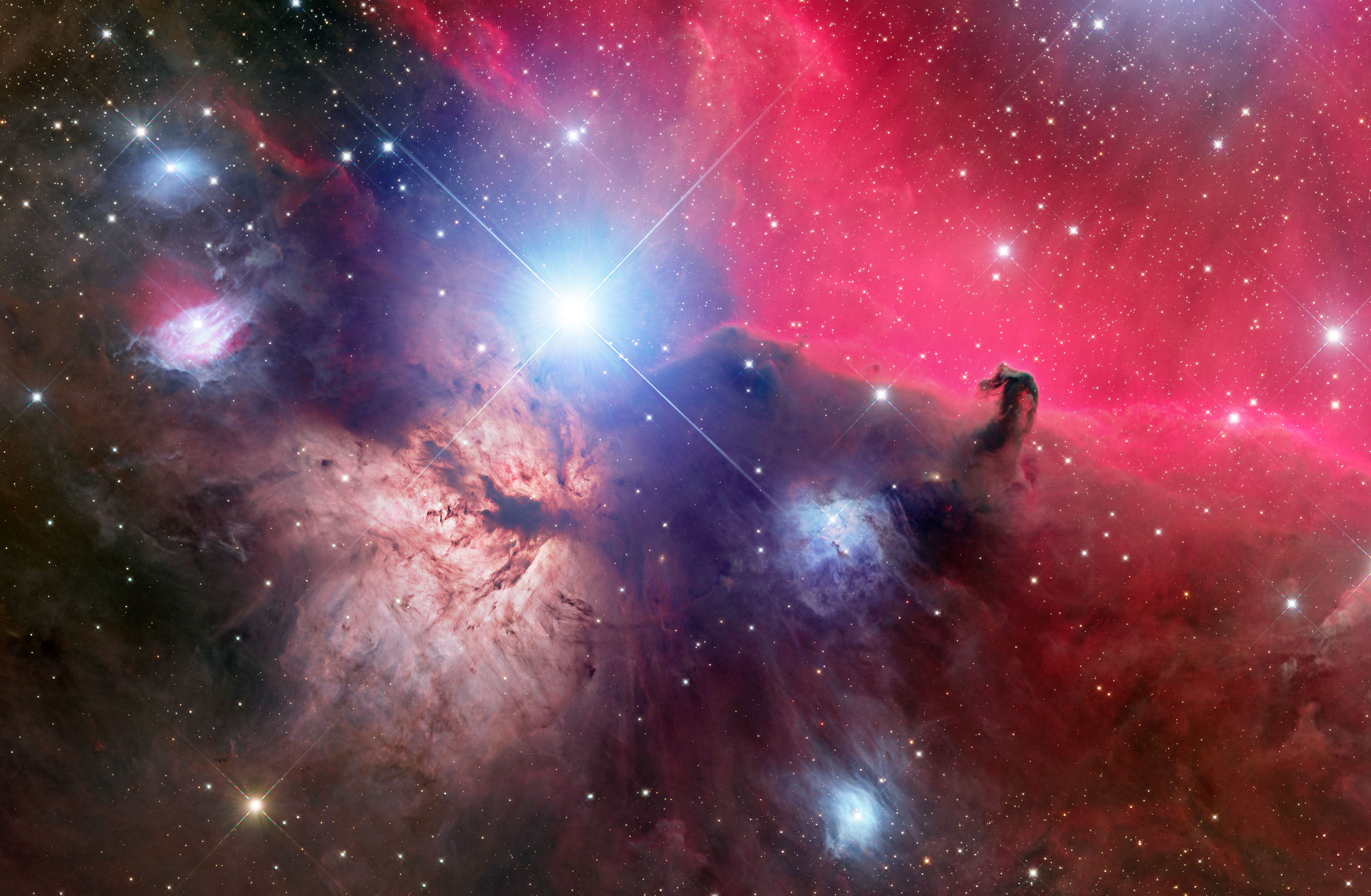
Data Download HorseHead Nebula (FastTrack Training Mono)
The files below will allow you to follow along with the instruction for the mono processing example in FastTrack Training (of the HorseHead Nebula). NOTE…
Full WBPP Configuration
Published 2025-03-06 This video shows the setup for processing mono data using WBPP.
RGB Combination and Gradient Correction
Published 2025-03-07 Here we continue our processing of the HorseHead Nebula by examining the WBPP ouput (stacked data) followed by using Multiscale Gradient Correction.
BlurXTerminator and StarXTerminator
Published 2025-03-07 We continue processing this image using BlurXTerminator and StarXTerminator in preparation for the final adjustments.
Nebula Processing
Published 2025-03-09 This video demonstrates the removal of the blue bias with DBE. This issue has been present for this data from the beginning. Then…
Putting it Together
Published 2025-03-09 This video wraps up the processing for purposes of FastTrack Training with a masked application of USM and of course blending the stars…
Resources & Downloads
There are no additional resources for this learning path.
Description
FastTrack Training is a course for anyone starting out with PixInsight and wants an easy-to-follow, repeatable workflow that results in a finished image. No background knowledge required. FastTrack is straightforward, fast, and explains the steps that you will always do when creating your images in PixInsight. It’s streamlined enough that you can go from the raw files to a completed image in a single sitting. FastTrack comes complete with 10 hours of high quality video tutorials and sample data downloads for both OSC and Monochrome demonstrations.
The Example images in this Course include:
|
IC 405 (OSC)
|
HorseHead Nebula (Mono RGB)
|